How to Set Commission Slabs in Recharge Software India
How to set commission slabs in B2B recharge software — step-by-step for distributors managing multi-level networks of retailers in India.
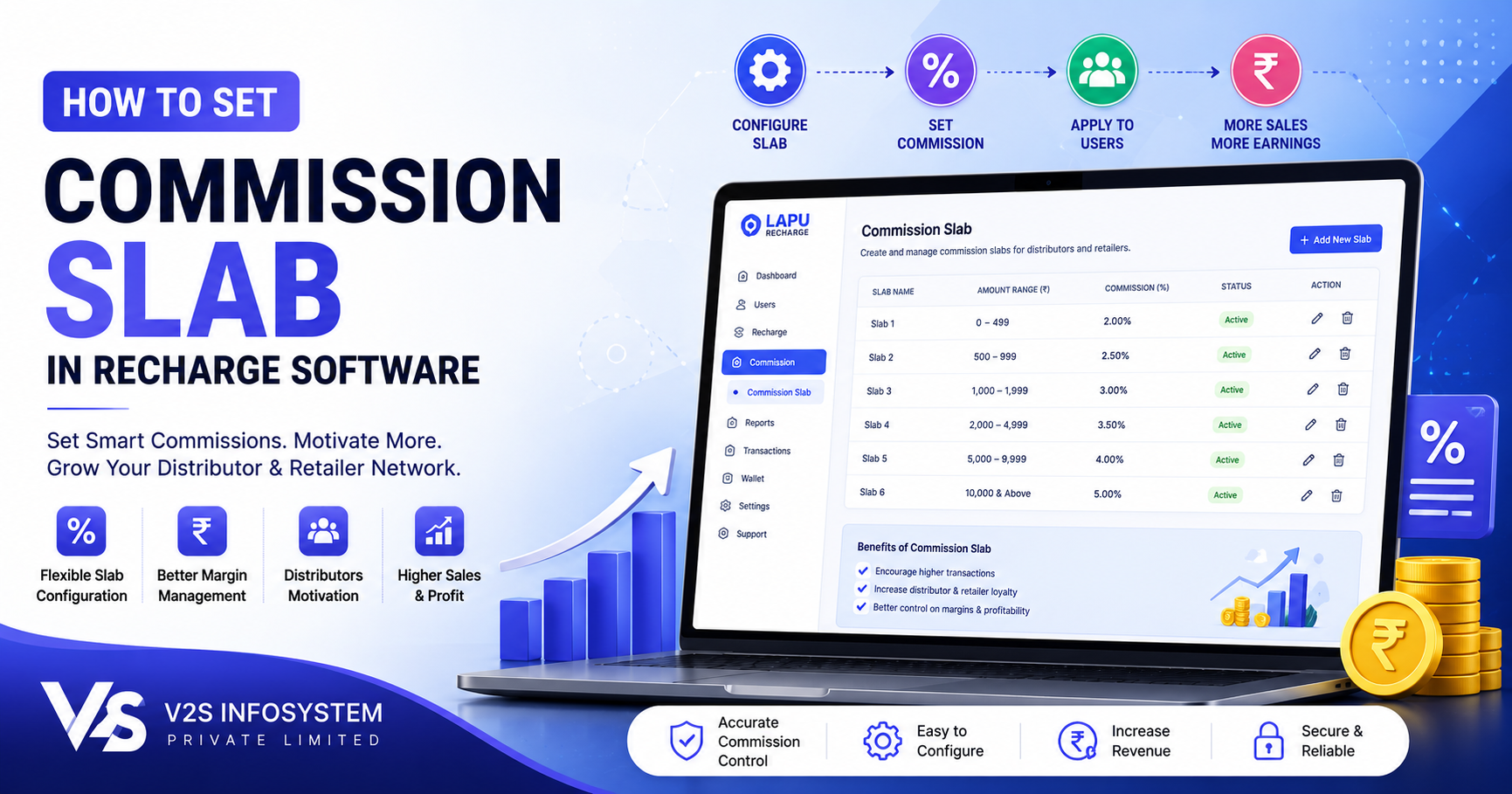
How to Set Commission Slabs in Recharge Software India
Commission management is the backbone of every B2B mobile recharge business. Whether you are an admin managing a national network or a master distributor onboarding local distributors, the ability to set accurate, flexible, and profitable commission slabs is what separates a well-run recharge operation from one that struggles with retailer churn and margin disputes.
In India's multi-level recharge distribution ecosystem, commission flows from the admin down through the channel — Admin → Master Distributor → Super Distributor → Distributor → Retailer — and each level must be configured correctly to ensure profitability at every tier while keeping the end-retailer motivated.
This guide walks through the complete process of setting commission slabs in B2B recharge software, explains how different service types are commissioned, and outlines the best practices that experienced operators use to manage their networks efficiently.
What Is a Commission Slab in Recharge Software?
A commission slab is a configured margin rule in the recharge software that defines how much of each transaction value is retained by each level of the distribution channel. When a retailer processes a ₹100 prepaid mobile recharge, the commission slab determines how much the retailer earns, how much the distributor earns, and how much flows upward to the master distributor and admin.
Commission slabs are set service-wise and operator-wise. A prepaid recharge slab is different from an electricity bill payment slab. Modern B2B recharge platforms allow you to configure slabs at the level of each service, operator, and denomination range.
Types of Services and Their Commission Structures
| Service | Commission Type | Indicative Range |
|---|---|---|
| Prepaid mobile recharge | Percentage | 1–4% |
| DTH recharge | Percentage | 2–3% |
| BBPS electricity | Fixed per txn | ₹3–₹5 |
| AePS cash withdrawal | Fixed per txn | ₹5–₹15 |
| DMT transfer | Percentage | 0.4–1% |
All commission figures are indicative and subject to change based on market conditions and NPCI regulatory guidelines.
Understanding Multi-Level Commission Distribution
In a B2B recharge network, the total margin is shared across the channel. The admin earns the top-level margin from the API provider, then sets commission downstream. Each level earns the difference between what they pay down and what they charge upward.
- Admin retains 1%, distributes 3% to MD
- MD retains 0.5%, gives 2.5% to distributor
- Distributor retains 0.5%, gives 2% to retailer
- Retailer earns ₹2 per ₹100 recharge
Read our guide on mobile recharge business profit margins in India for detailed income projections.
Step-by-Step: How to Set Commission Slabs in V2S Recharge Software
Step 1 — Log Into the Admin Panel
Access your B2B recharge software admin console. The V2S admin area gives you full visibility over all channel partners across the Admin → Master Distributor → Distributor → Retailer channel.
Step 2 — Go to Commission Management
Navigate to the Commissions module. Configure service-level slabs, operator-level slabs, and channel-member-specific overrides.
Step 3 — Select Service and Operator
Choose the service type and specific operator. Each operator can have a different commission slab because your API provider's margin varies by operator.
Step 4 — Set Admin Margin
Enter the admin margin percentage or fixed amount. Set this first as all downstream slabs must stay within this figure.
Step 5 — Set MD and Distributor Commissions
Define commissions for Master Distributors and Distributors. Higher-volume partners can be offered better slabs to incentivise growth.
Step 6 — Set Retailer Commission
Retailer commissions should motivate volume while leaving margin for upstream levels. For BBPS, AePS, and DMT, use fixed rupee amounts per transaction.
Step 7 — Configure Overrides & Save
For strategic partners, add member-specific overrides. Save and activate. Test with a small live transaction before rolling out to the full network.
Best Practices for Commission Management
- Never set retailer commissions above your margin: Always calculate backward from your API provider's margin.
- Separate slabs by operator: Different operators offer different margins -- configure each separately.
- Use fixed amounts for BBPS/Ae@S/DMT: Percentage on low-value bills leads to near-zero earnings.
- Communicate slabs with NPCI disclaimer: Rates are indicative and subject to change.
- Review quarterly: API terms, operator policies, and NPCI guidelines change periodically.
Frequently Asked Questions
What is a commission slab in B2B recharge software?
A margin rule that defines how much each level of the distribution channel earns per transaction. Slabs are set per service and operator for granular profitability control.
Can I set different commission slabs for different distributors?
Yes. The V2S platform supports member-specific overrides so you can offer higher slabs to high-volume partners while keeping a standard slab for others.
What commission should I give retailers for mobile recharge?
Indicatively 1.5–2.5%, depending on operator margins. Rates subject to change based on market conditions and NPCI regulatory guidelines.
How are BBPS commissions different from recharge?
BBPS uses fixed amounts per transaction rather than percentages — ₹3–₹15 per bill payment is typical for electricity. Fixed amounts remain meaningful even on small bills.
How often should I review slabs?
Quarterly. API margins, operator policies, and NPCI guidelines change periodically. Outdated slabs erode profitability.
Can commission slabs be set for AePS and DMT?
Yes. AePS typically uses fixed per-transaction amounts (₹5–₹15). DMT uses 0.4%–1% of transfer amount. All rates subject to NPCI guidelines.
What happens to commissions on failed transactions?
In the V2S platform, commissions on failed transactions are automatically reversed. Full audit trails allow admins to track and reconcile commissions across the network.
Next Steps
If you are looking for a B2B recharge software with complete commission slab management across a multi-level distribution channel, explore V2S Infosystem's B2B recharge platform. We support unlimited custom API integrations, GET and POST API methods, and a full multi-level distribution channel for clients who have been using our platform for 3+ Contact our team to discuss your network's commission structure.