CMS Development Services
V2S Infosystem builds custom CMS platforms tailored to your content workflow — faster than WordPress, no plugin vulnerabilities, full source code ownership.
Get a Free Quote →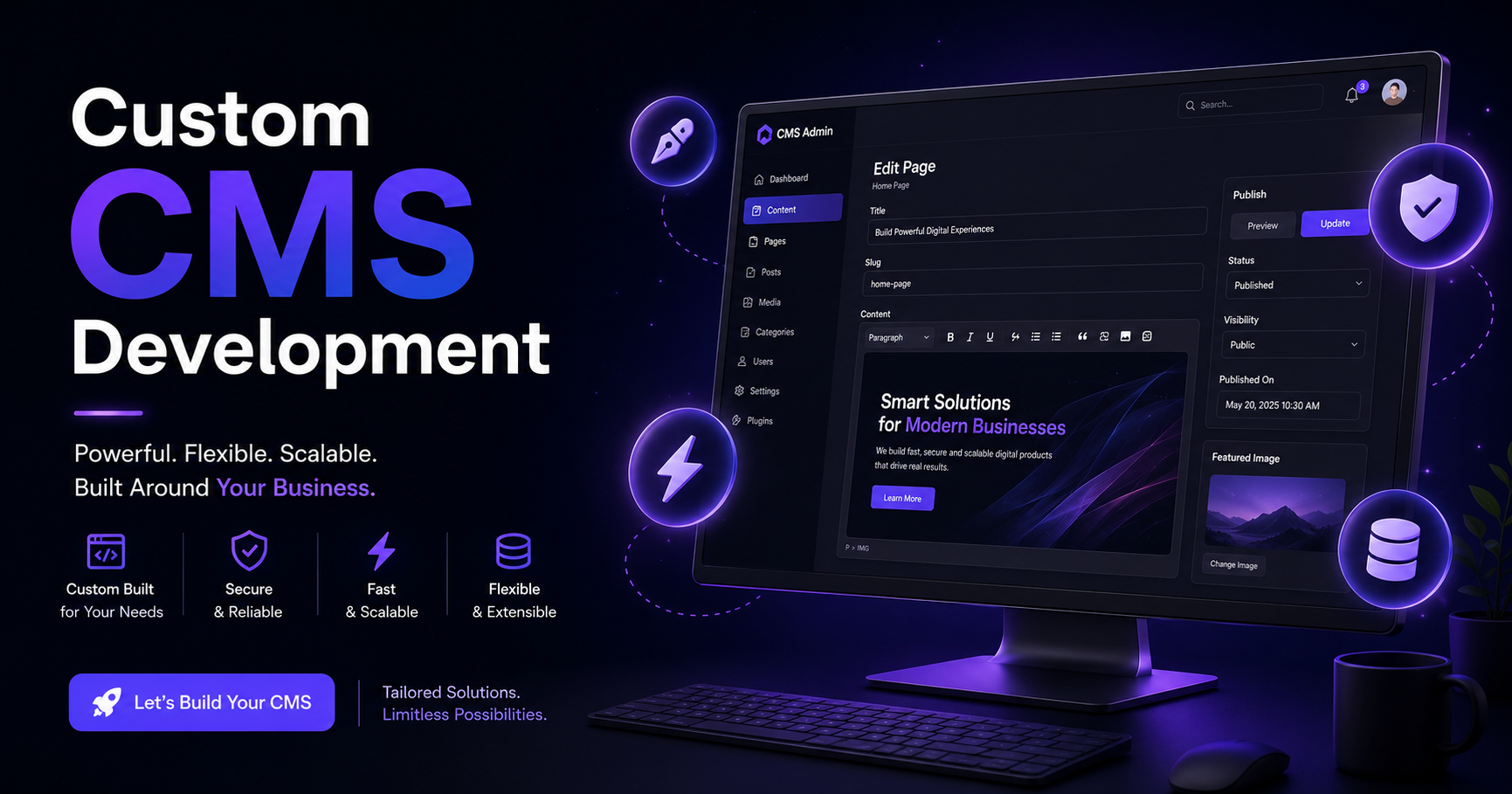
Custom CMS Development Services
WordPress plugins break. SaaS CMS platforms lock you in. Your content team deserves a system built exactly around how they work. V2S Infosystem Private Limited builds custom CMS platforms — faster, more secure, and tailored to your exact content workflow.
Discuss Your CMS RequirementsWhat Is a Custom CMS and Why Build One?
A content management system (CMS) is the backend platform your team uses to create, edit, organise, and publish content — pages, blogs, products, media, or any other structured data your website or app needs.
Off-the-shelf platforms like WordPress, Joomla, or Drupal come with thousands of features you don't need and missing features you do. Every customisation requires a plugin — and every plugin is a performance hit, a security exposure, and a compatibility problem waiting to happen.
A custom CMS built by V2S Infosystem Private Limited has exactly the fields, workflows, and publishing controls your content team needs — nothing more, nothing less. It loads faster, breaks less, and your editors can't accidentally break the layout because the system doesn't allow it.
Why Businesses Choose a Custom CMS Over WordPress
No Plugin Vulnerabilities
WordPress powers 43% of the web — making it the #1 target for automated attacks. A custom CMS is an unknown system to attackers, with no public exploit database and no plugin attack surface.
Faster Page Loads
WordPress with 20 plugins loads 40+ database queries per page. A custom CMS queries only what the page needs — typically 3–5 queries. The performance difference is visible to users and search engines.
Exact Content Structure
Your CMS has exactly the content types, fields, and validation rules your business needs. No cramming your structured content into WordPress pages. No shortcode hacks.
No Surprise Breaking Updates
WordPress core updates break plugins. Plugin updates break themes. With a custom CMS, updates happen on your schedule and only touch what you choose to change.
Editor-Friendly Interface
Your content editors see only what they need — the right fields for each content type, in the right order. No Gutenberg blocks, no "full site editing", no accidental template overwrites.
No Recurring Licence Fees
SaaS CMS platforms charge per user, per content item, or per API call. A custom CMS is a one-time build cost — you own the code, the database, and the hosting.
What We Build Into Your Custom CMS
Every CMS we build starts with these foundational capabilities — then we add what your workflow specifically needs.
Custom Content Types
Blogs, services, products, case studies, team profiles, FAQs — each with exactly the fields and validation rules that content type needs.
Role-Based Access Control
Writers, editors, approvers, and admins each see and can do only what their role permits. Content approval workflows with email notifications.
Media Library
Centralised image and file management with auto-resize, WebP conversion, CDN integration, and alt-text management for SEO compliance.
SEO Controls
Meta title, meta description, canonical URL, Open Graph tags, JSON-LD structured data, and slug management — all editable per content item without plugins.
Scheduled Publishing
Write content today, schedule it to go live at midnight on Monday. Draft → Review → Approved → Scheduled → Published workflow built in.
API-First Architecture
Headless CMS option — content served via REST or GraphQL API to your web app, mobile app, or any other frontend. One content source, multiple channels.
Version History
Every edit is saved. Compare versions, restore previous content, and see who changed what and when — full audit trail for compliance.
Multi-Language Support
Manage English, Hindi, and regional language versions of content in one interface. Language toggle, translation status tracking, and locale-specific URL slugs.
How We Build Your Custom CMS
Step 1 — Content Workflow Audit
We map every content type your site needs, every field per type, every person involved in the approval chain, and how content gets to the front end.
Step 2 — Admin Panel Design
Wireframes of every editor screen, role dashboard, and content list — approved by your team before development begins.
Step 3 — Backend & API Development
Database schema, admin API, authentication, role permissions, and media handling — built with your chosen stack (typically .NET, Node.js, or Laravel).
Step 4 — Editor Training & Handover
We train your content team on the new CMS, document every feature, and hand over full source code with deployment instructions.
Step 5 — Post-Launch Support
Dedicated support window after go-live. New content types, field changes, or workflow adjustments handled under a maintenance agreement.
Frequently Asked Questions
How long does it take to build a custom CMS?
A standard CMS with 4–6 content types, role-based access, media library, and SEO controls typically takes 8–14 weeks. Headless CMS with API layer or multi-language support adds 2–4 weeks.
Can you migrate our existing WordPress content?
Yes. We export your WordPress posts, pages, media, and custom fields, then import them into the new CMS with URL mapping to preserve SEO rankings. Redirect rules are configured so no links break.
Can the CMS serve content to a mobile app as well?
Yes. We build the CMS with a headless/API-first option so the same content database powers your website and your Android or iOS app — your editors update once, it appears everywhere.
What technology stack do you use?
We typically build CMS backends in ASP.NET Core (C#), Node.js, or Laravel depending on your existing stack. The admin panel is built in React or Razor Pages. Database is SQL Server, PostgreSQL, or MySQL.
Do we own the source code?
Yes — 100%. The source code, database schema, and deployment configuration are all delivered to you at project completion. No licence fees, no vendor dependency.
Can non-technical editors use it without training?
That's the goal. We design the CMS interface around your editors' mental model — not around developer convenience. Most teams are comfortable creating and publishing content within one day of handover.
Why V2S Infosystem for CMS Development?
We Run Our Own Custom CMS
This very website runs on a CMS we built ourselves. We don't just sell custom CMS development — we use and maintain one every day.
Full-Stack Team
Backend API, admin panel, media handling, SEO tooling — all built in-house in New Delhi. No outsourcing, no handoff delays.
Fixed-Price Delivery
Scope is agreed upfront. Price is fixed. No billing by the hour for "unexpected complexity".
Security-First Design
Role-based access, CSRF protection, input sanitisation, and no public attack surface — designed secure from the architecture up.
Editor-First UX
We design admin interfaces for the people who will use them daily — not for developers. Clean, fast, and intuitive for non-technical teams.
Grows With You
New content types, new languages, new channels — added under a maintenance agreement as your content operation scales.
Ready to Replace WordPress With Something Better?
Tell us about your content types, team size, and current pain points. We will design a CMS that your editors will actually enjoy using — and that your developers won't dread maintaining.